
Shafran
Aug 6, 2025
Design Any Theme Witcher Style You Want
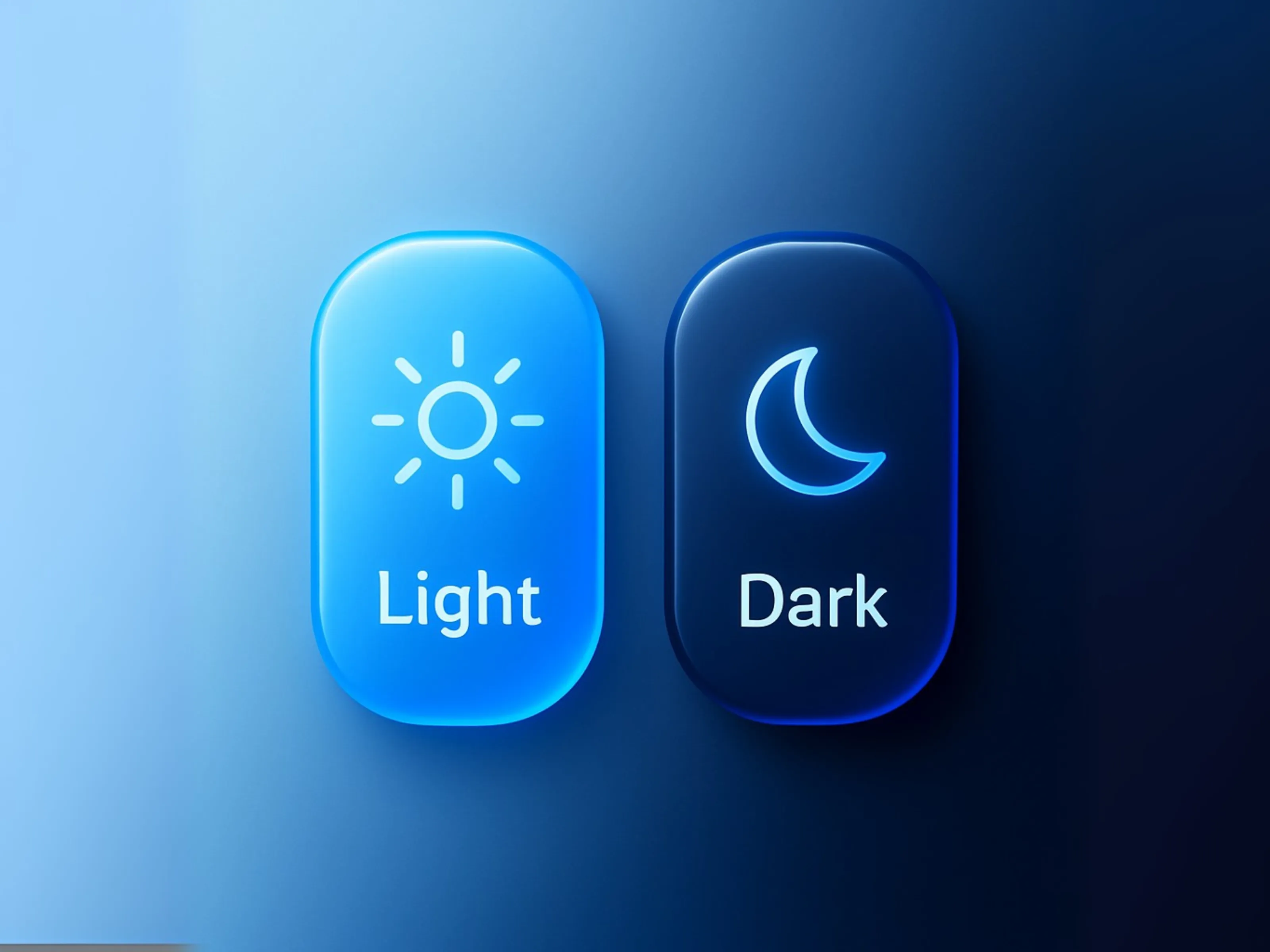
When it comes to theme switching, most people picture a plain toggle or a boring on/off switch. But what if your website could use any design—a glowing sun and moon, an animated button, a branded icon, or even a micro-interaction—to let users change themes? With the new ThemeSwitcher component for Framer, you have total creative freedom.
Why Custom Toggles Matter
Your website’s theme switcher isn’t just a utility—it’s part of your brand’s personality. The right toggle can add delight, reinforce your style, or make your interface instantly memorable. Unfortunately, most theme toggles force you to use the same generic slider or checkbox.
ThemeSwitcher breaks those limits. It lets you connect any Light and Dark frame, so your toggle can look and behave exactly how you want.
How to Add Your Own Toggle Designs
Adding a custom toggle is easy:
Design your Light and Dark frames
Create two frames in Framer: one for Light mode, one for Dark mode. They can be icons, illustrations, styled buttons, or anything else.Connect your frames to ThemeSwitcher
Simply drag your Light frame into thelightFrameslot, and your Dark frame into thedarkFrameslot in the ThemeSwitcher component.Click to switch modes
Users can now click your custom design to toggle between Light and Dark themes. Their choice will be saved and applied everywhere.
Inspiration: Creative Toggle Ideas
Animated icons: Sun/moon that morphs smoothly as you switch
Custom branding: Use your logo colors or mascots
Micro-interactions: Playful effects (like a rocket, animal, or sparkles)
Minimal style: Simple shapes or modern flat design
Button group: Let users choose between “Light,” “Dark,” or “Auto”
With ThemeSwitcher, the only limit is your imagination.
How This Boosts Your Brand
Consistent look: Your theme toggle matches the rest of your design system
User delight: Fun or thoughtful toggles get noticed and shared
Stand out: No more “cookie-cutter” UI—your site feels truly custom
Show Off Your Creativity
We’d love to see what you build!
Share your ThemeSwitcher toggle designs on social media and tag @shafranofficial. If you want to hire a developer to bring your creative ideas to life, you can also connect here.
With ThemeSwitcher, your Framer site can look and feel exactly how you imagine it.
Design boldly—your toggle can be anything you want!
Join the newsletter
Be the first to read our articles.
Follow Social Media
Follow us and don’t miss any chance!