Shafran
Aug 6, 2025
Remember User Theme Choices Across All Pages

We’ve all been there: you choose dark mode on a site, but when you visit a new page or come back later, the site has “forgotten” your choice. You’re forced to toggle back—again and again. It’s annoying, and it feels outdated. Today’s users expect a smarter experience.
Why Saving Theme Preferences Is Important
Modern websites aren’t just about good looks—they’re about good experiences. When you respect a user’s theme choice and remember it everywhere, you
Show you care about comfort (light for day, dark for night)
Remove friction, making your site feel seamless
Build trust and keep visitors coming back
If your Framer project doesn’t remember theme choices, it can break the flow and frustrate users.
How ThemeSwitcher Solves This Problem
The ThemeSwitcher component for Framer was built with this user expectation in mind. Here’s how it works:
Automatic preference saving:
When a user switches to Light or Dark mode, ThemeSwitcher saves that choice in localStorage—right in the browser.Cross-page memory:
No matter how many pages your site has, the theme preference is always applied everywhere. Even if users return days later, their theme remains.Manual and system support:
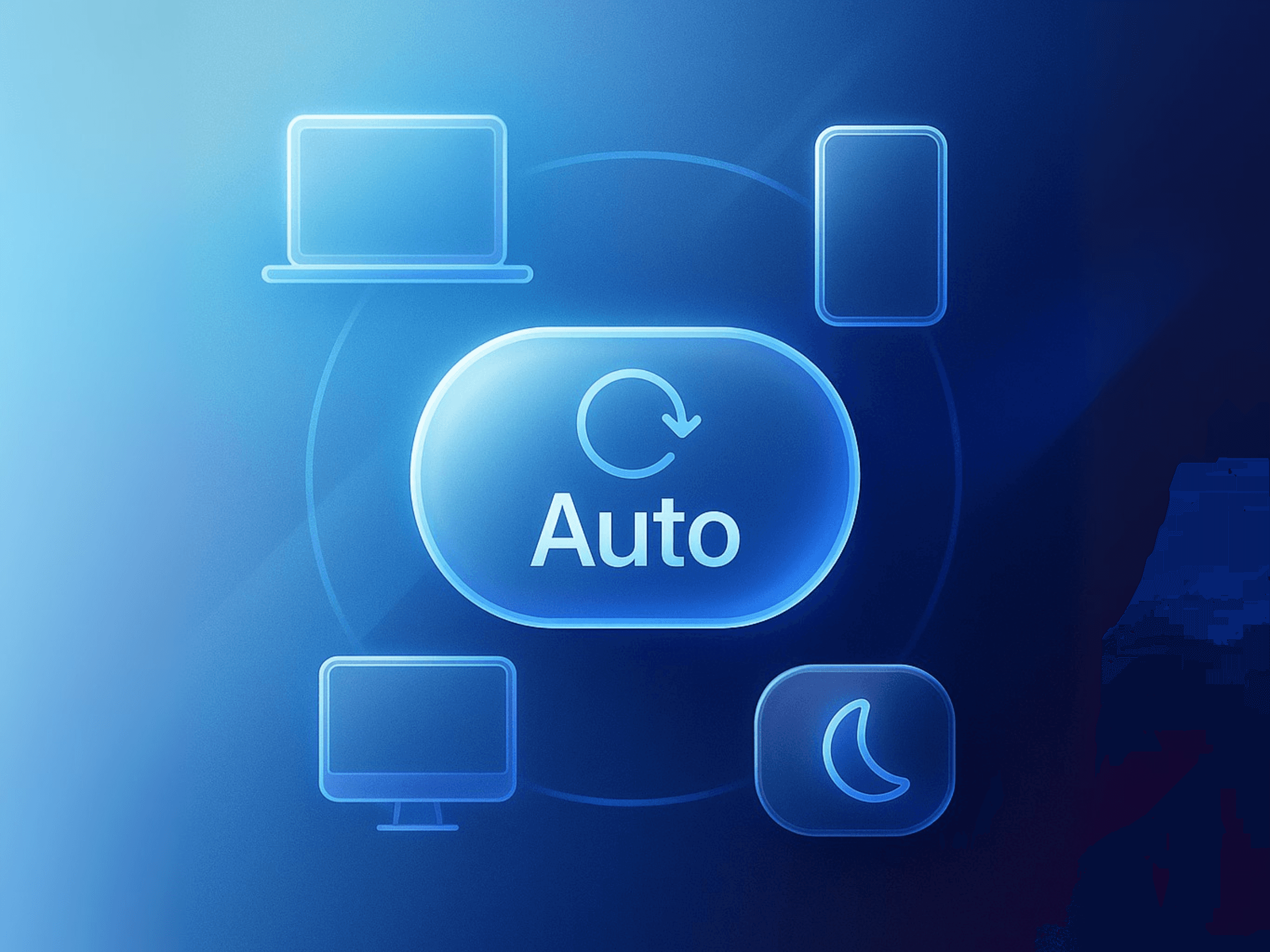
Users can pick their own mode, or let the site follow their device’s system theme (auto mode). Either way, their preference is respected.
How to Use It in Your Project
It couldn’t be simpler:
Copy and paste the ThemeSwitcher component into your Framer site.
Connect your custom Light and Dark frames (any design you like).
Try switching themes—refresh or visit other pages and see your choice persist.
The Result: Happier Users, Better UX
When you use ThemeSwitcher, your website feels modern, thoughtful, and truly user-first. You reduce friction and create an experience people notice (and remember).
Ready to upgrade your Framer site?
Try the ThemeSwitcher component by @shafranofficial or hire for help.
Join the newsletter
Be the first to read our articles.
Follow Social Media
Follow us and don’t miss any chance!